Fake Sick! Codes (November 2026) — Working List
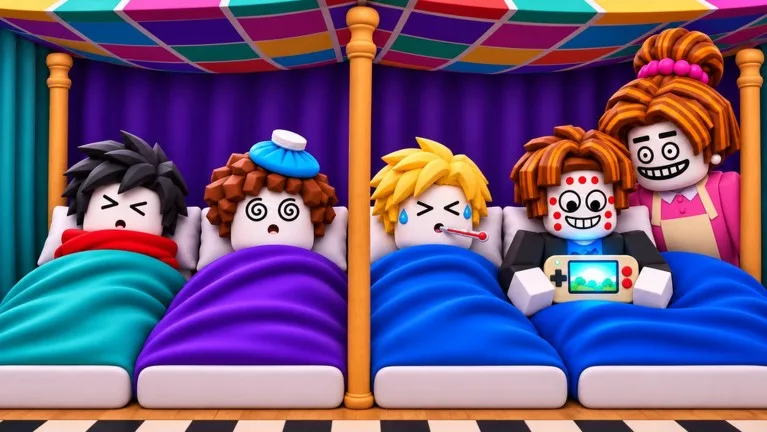
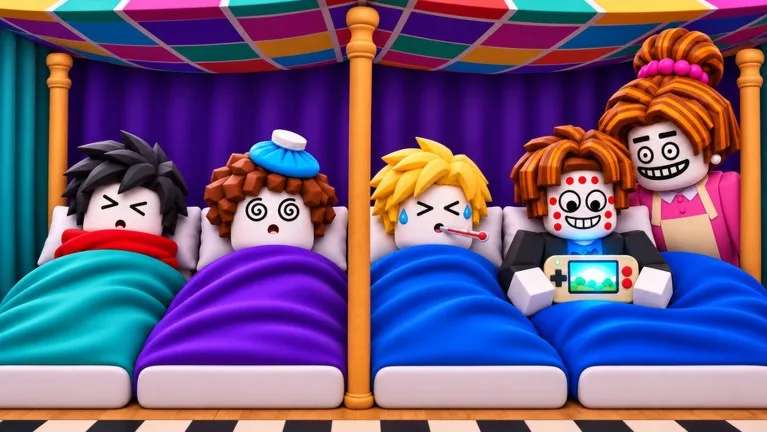
Fake Sick! by Pizzi Productions is a Roblox survival-comedy where you skip school, hide a GamePal under a blanket fort, and try to fool Bacon Mom until 3 PM. Promo codes grant in-game Tickets — not Robux.
Last checked: November 29, 2026 (Pacific Time). The working list below is taken from verified public listings that agree on the same six strings and Ticket amounts (GGRecon, published November 24, 2026, citing Roblox Den and BloxArchive, with BloxArchive noting that NOSCHOOL, ACHOO, and BACONMOM were confirmed by the developer; Roblox Den, last checked November 29, 2026, 06:04 UTC, with a claimed in-game check for the same six). These codes are not printed in the official Roblox description; Pizzi Productions channels and the in-game redeem box are the source of truth. Redeem in-game to confirm, because codes can expire without a separate announcement.
Active Fake Sick! codes
| Code | Reward (as listed) |
|---|---|
BACONMOM | 100 Tickets |
NOSCHOOL | 75 Tickets |
SICKDAY | 75 Tickets |
FAKESICK | 75 Tickets |
ACHOO | 50 Tickets |
GERMS | 50 Tickets |
Copy each code exactly, in capitals, with no extra spaces. Listings treat them as case-sensitive, and each typically works once per account. Together, the six strings are listed as 425 Tickets. If Redeem returns invalid, the code has likely expired; skip it rather than retrying through a third-party “code helper.”
We are not listing other reported strings that verified public listings have not fully agreed on yet. Tickets are an in-game currency for this experience, useful when you are saving for fort pieces and a better handheld. Confirm the live reward text in-game before you plan a long skip day around it.
How to redeem Fake Sick! codes
- Launch Fake Sick! on Roblox.
- Click the Plus (+) icon in the bottom-left corner of the screen.
- Type or paste a code into the ENTER CODE box exactly as written.
- Click REDEEM, then check your Tickets.
If the Plus icon has moved in an update, look around the edges of the screen before assuming the code is the problem. If redeem fails, delete trailing spaces and make sure you are in the official Pizzi Productions experience. Never enter your Roblox password on a third-party site. Codes never grant Robux.
Where new codes appear
- Watch Pizzi Productions’ official community and the game’s Roblox page for update or event codes. The official description does not currently print codes, so drops often travel with updates.
- Re-open the Plus menu after a major update, in case a new string is announced there.
- After you claim the current codes, get back under the blanket fort. For that skip-school loop, see our Fake Sick! beginner guide.