BoneBox Engine Roblox: Ragdoll Physics Sandbox
What Is BoneBox Engine?
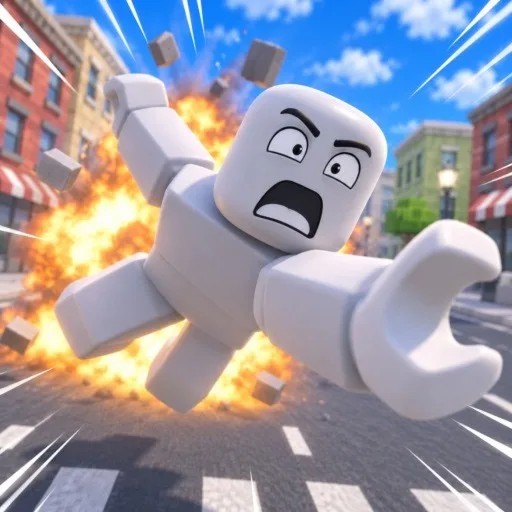
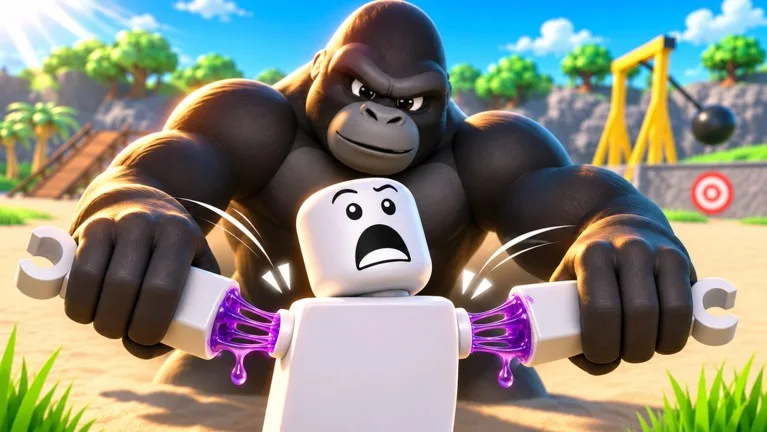
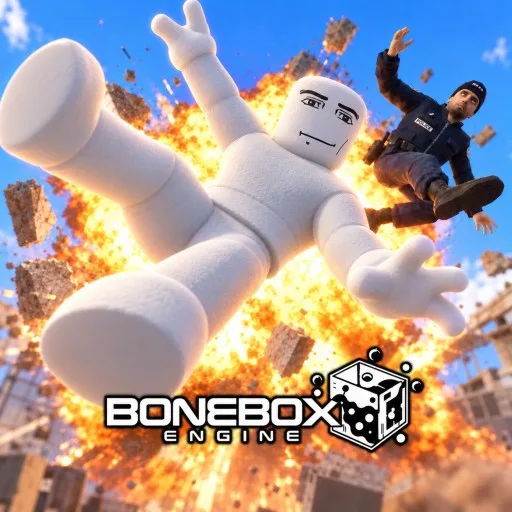
BoneBox Engine is a Roblox ragdoll-physics sandbox by the group SW33R Game Studio. The official listing calls it BoneBox the ragdoll physics sandbox, then sums up the fantasy in three lines: spawn anything, drive anything, and destroy everything. Every person, prop, and building is described as reacting with real physics.
It is listed under Simulation / Physics Sim, with sessions of up to 16 players and a Mild maturity rating. As of November 24, 2026, it appears on public Roblox trend charts with a strong weekly player average. The official page also asks you to like and favorite the game for new toys and maps every update.
Play here: BoneBox Engine on Roblox.
How to Play
The official loop is an open physics sandbox, not a single scored objective.
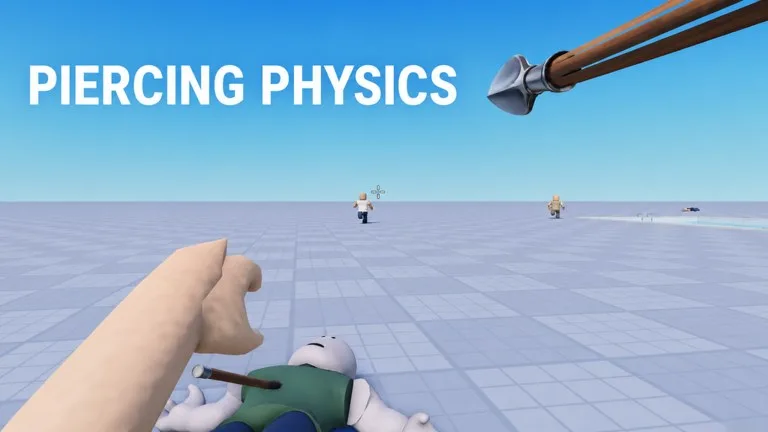
- Use the ragdoll world. Full ragdoll physics apply to every NPC, according to the listing. Official examples include blasting a crowd with an RPG, plowing through walls in a tank, or dropping a black hole on the whole map.
- Spawn toys, weapons, and vehicles. The page says there are 100+ toys, weapons, and vehicles, including tanks, jeeps, helicopters, RPGs, guns, melee weapons, and grenades. Named extras include a Freeze Ray, a Flamethrower, Laser Eyes, and a Jetpack.
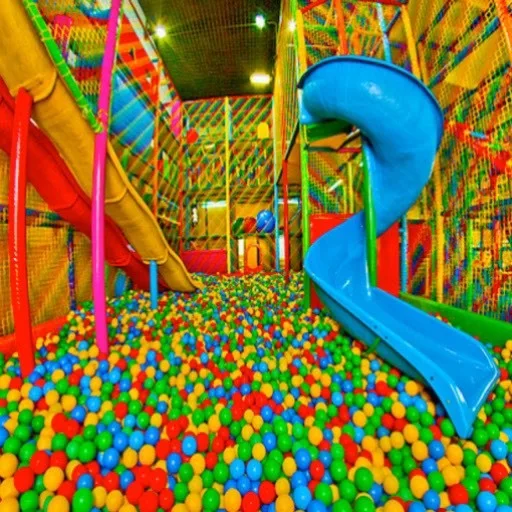
- Break the maps. Official breakable maps include City, Rooftops, Maze, Playground, Baseplate, and more.
- Use the sandbox tools. The listing names balloons, rockets, welds, ropes, C4, and grow and shrink tools.
- Unlock more items. New items are unlocked with kills as you climb the ranks.
The official control list is unusually specific: 1 to grab, 2 for fists, 3 for guns, 4 for the spawner, 5 for melee, and 6 for throwables. Tab opens the spawn menu, G is drive, V is third person, P hides the UI, and K shows all keys. Learn that set in a quiet map before you start a full city rampage.
Platforms
BoneBox Engine runs on Roblox. The official listing sets a maximum of 16 players and a Mild maturity rating. Open it from the official experience page on the device you already use for Roblox, then confirm grab, spawn, and drive binds before you join a busy city server. Always launch from the official listing rather than a third-party client.
Beginner Tips
- Learn the official number keys first: grab, fists, guns, spawner, melee, and throwables. Those six slots are how the listing says you actually play.
- Open the spawn menu with Tab when you want a tank, a jeep, a helicopter, or another named toy, instead of hoping a pickup appears on the ground.
- Start on a smaller official map such as Baseplate or Playground before you jump into City or Rooftops.
- Sample the named sandbox tools — balloons, welds, ropes, C4, and grow and shrink — so you are not limited to raw weapons.
- Use kills to unlock new items and climb the ranks. That is the official progression path the listing names.
- Switch to third person with V when you are driving, and use P or K if you need a cleaner screen or a full key reminder.
- If you want more toys and maps later, the official page ties new content to likes and favorites each update, not to an unofficial code list.
If you want a Roblox physics sandbox with ragdoll NPCs, 100+ toys and vehicles, breakable maps, and a clearly posted control set, BoneBox Engine is built for that kind of destructive session.