My Small Business (Roblox): Cozy Shop Tycoon Guide & Tips
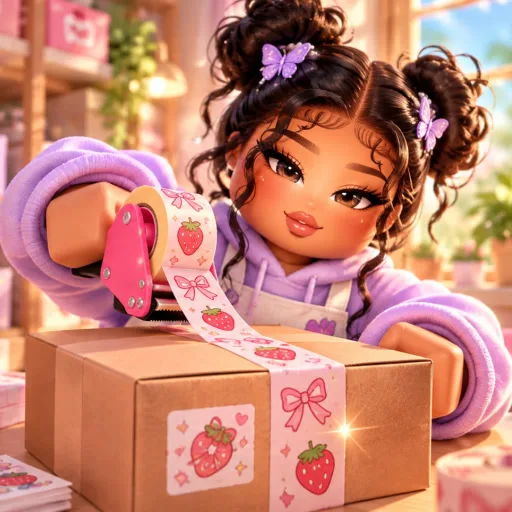
My Small Business is a cozy Roblox simulation tycoon where you run an online shop from your bedroom, design products, fulfill customer orders, and expand into a full warehouse operation. It mixes creative crafting with packing gameplay and offline coin earnings, which makes it friendly for short sessions and longer progression grinds alike.
What Is My Small Business?
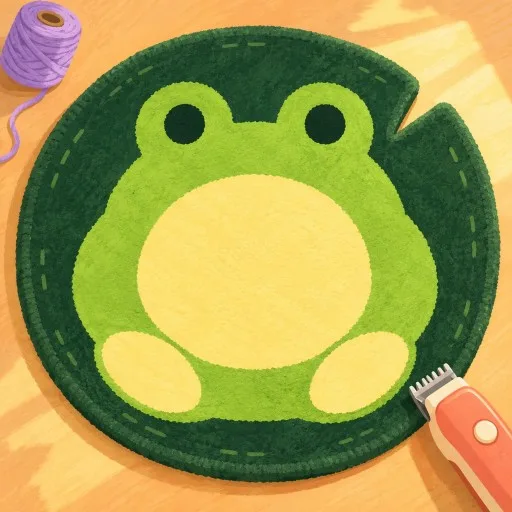
You build a brand by designing items, printing and cutting them out, then packing boxes with cute packaging, thank-you cards, and extras. As orders roll in, you hire workers, upgrade your workspace, and scale from a tiny desk setup into a serious fulfillment business. Coins keep coming in even while you are offline, so the shop keeps growing between sessions.
How to Play
- Design your own products for the shop catalog.
- Print and cut creations, then pack orders carefully.
- Complete customer orders to earn Coins.
- Hire workers and upgrade stations to speed fulfillment.
- Expand storage and workspace toward a warehouse.
- Invite friends and keep earning offline when you log out.
Platforms
Available on Roblox across PC, mobile, and supported consoles. Your shop progress saves with your Roblox account.
Beginner Tips
- Focus on packing accuracy early. Clean, complete packs usually pay better than rushing messy orders.
- Hire help before you burn out on every step. Workers free you to design and upgrade instead of doing every cut yourself.
- Spend coins on throughput upgrades first (print/pack speed and storage) so order volume can scale.
- Log in after offline earnings to reinvest Coins instead of letting the shop stall at a soft cap.
- Keep product variety sensible. A few strong sellers beat an unfocused catalog while you learn the loop.
Open your shop on the official Roblox page: My Small Business.