Net a Fish Beginner Guide (2026)
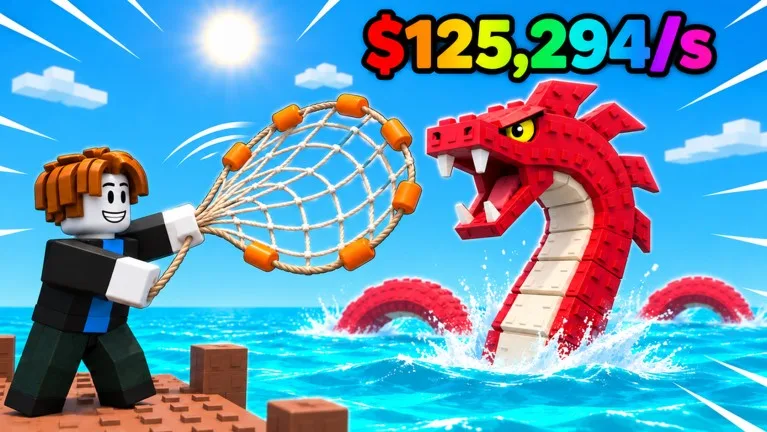
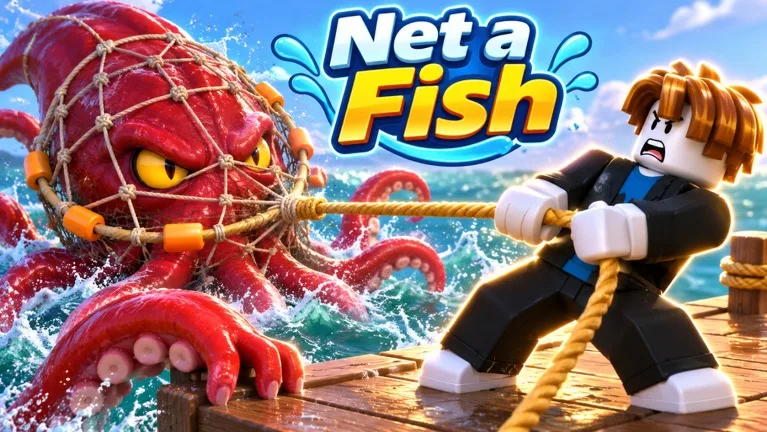
Net a Fish! by UpdatesDev is a Roblox fishing collector: throw a net, showcase your best catches in your own pool so they earn cash every second, then spend that income on docks, nets, boats, and helpers. This beginner guide covers the first session, the dock tools that speed you up, and what actually resets when you Rebirth.
Guide researched November 11, 2026 (Pacific Time) from the official Roblox experience page and public beginner writeups. Upgrade prices, helper names, and Rebirth requirements can change with an update — confirm the live numbers in the Upgrades and Rebirth menus.
Your first session
- Walk to the water and throw your net. Casting only works when you are close enough to the water. Public controls guides list C or the on-screen THROW NET button, with E to interact and WASD plus Space to move and jump. Confirm those binds in the overlay if you play on mobile or a controller.
- Showcase fish in your pool right away. Income comes from the fish sitting in the showcase, not from a one-time catch. The official page is explicit: your best fish earn cash every second once they are on display. Put something in the pool before you wander off to optimize gear.
- Spend early Cash on the upgrades you can actually use. The Upgrades menu is commonly split into Nets, Fishing, and Market tabs. Some purchases stay locked until a later Rebirth, so skip the greyed-out rows and fund the dock, net, and helper upgrades that are open now.
- Check the Index when you land a new species. New entries often pay a one-time reward (Cash or boosts). It is easy to forget those claims if you only look at the pool counter.
Dock helpers worth unlocking early
- Fisherman: an NPC on your dock who catches duplicates of fish you already own. Upgrading him is how you feed the next tool faster.
- Fish Cooler: fuse duplicate fish into a stronger showcase earner. Fusion is one of the cleanest early income jumps, because it raises what the pool pays every second.
- Spear Gun: a mounted helper aimed at higher-tier fish. Public guides say it is required for the rarest catches and, by default, ignores common-tier fish. Upgrade it when you start chasing the Index’s upper rarities.
- Pets from Ocean and Abyss Crates: the official loop includes hatching pets to support later trips. Open crates when you have them rather than leaving them unopened in the inventory.
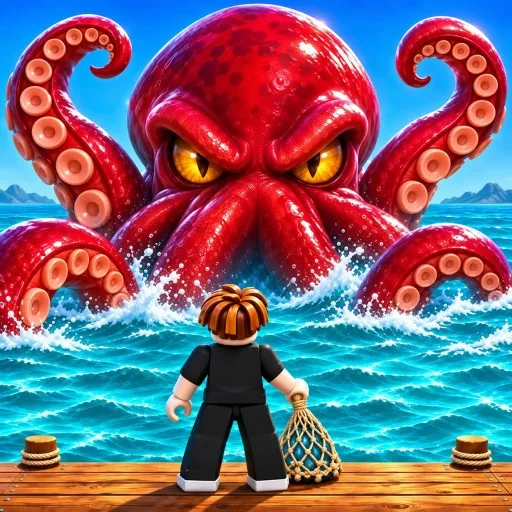
The official page also lists Crews and Crew Wars, plus two late headline goals: survive the Megalodon and catch the Kraken. Those are not first-session targets. Build pool income and helpers first.
Rebirth without wrecking your run
Rebirth unlocks new worlds and bigger rewards, and current guides describe a Skill Tree (Net, Luck, Fortune, and Crew & Dock) funded by Skill Points you receive on each Rebirth. It also resets your money to $0 — the Rebirth screen itself warns about that.
- Open the Rebirth menu and read the current fish-count and Cash requirements. Those numbers change as you climb, so do not plan around an old screenshot.
- Buy anything the menu flags as needed first. Recent guides mention purchasing the Cotton Net before the first Rebirth if you still need it; confirm the live recommendation and price in that menu.
- Expect to rebuild Cash from zero. Pets, Index progress, and the world unlock are the part you keep; the wallet is not.
Common beginner mistakes
- Catching fish and never showcasing them, then wondering why Cash is barely moving.
- Ignoring the Fisherman and Fish Cooler, so duplicates sit unused instead of being fused into better pool income.
- Rebirthing the moment the button lights up, without buying the recommended net or checking that you can function at $0.
- Using Luck or Fish Caught boosts (including ones from promo codes) while you are AFK in the lobby instead of at the water.
- Trying to solo late threats like the Megalodon before the dock and Spear Gun can support those fights.
The official listing currently prints several promo codes in the experience description; redeem those from the Codes button after the short tutorial. For the working list, see our Net a Fish codes page. Play officially: Net a Fish! on Roblox.