State Connect Beginner Guide (2026)
State Connect by WE Interactive is a Roblox road-building tycoon: you drag roads between cities, earn money and XP from every arriving car, then spend that income on more states, country unlocks, and faster cars. This beginner guide covers the official loop and the Update 3 world map — not a complete workshop or event guide.
Guide researched November 13, 2026 (Pacific Time) from the official Roblox experience page (updated the same day) and public writeups of the Shop and code box. City counts, car bonuses, and event multipliers can change after a patch — confirm prices and unlocks in the World menu and Workshop.
How the loop works
The official how-to is short and accurate:
- Drag a road between two cities. Cars travel the route, and every arrival pays money and XP.
- Buy more states, then unlock countries with keys. New land is how your network grows; keys are what open a whole country on the world map.
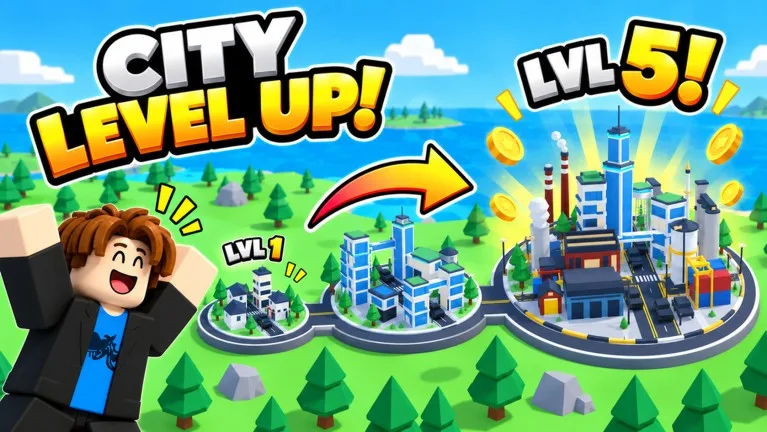
- Upgrade towns into metropolises and boost your cars. Bigger towns and faster (or higher-multiplier) cars raise the income from the roads you already built.
The live listing also calls out Auto Build, co-op, gifts, daily rewards, offline income, and leaderboards. Auto Upgrade, added with Update 3, lets cities upgrade themselves so you can keep drawing routes instead of tapping every town.
Update 3: Europe and the wider map
The official November 13 description is titled “UPDATE 3: EUROPE IS HERE!” and lists these additions:
- Europe and Greenland add 41 new countries, 254 states, and 664 cities.
- The World menu is how you unlock Europe with keys and pick a free starting country.
- Admin Abuse events can include x3 rainbow cars, Gem Rain, and up to x5 Money/XP while they last. Treat those as timed bonuses, not a permanent income rate.
- The Workshop adds Ruby cars (+200%) and Galaxy cars (+400%) on top of the usual vehicle upgrades.
The same official features list now counts 644 states in 60+ countries, from Alaska to Argentina to Europe, plus seven city themes that change how the map looks (Modern, Western, Blossom, VIP, and others). Older public articles that still quote a smaller map were written before this Europe update — trust the in-game World menu for the current totals.
What to spend on first
- Connect the cities you already own. Empty land does not earn anything until a road is down and cars can arrive.
- Raise car speed and income next. Faster cars complete more trips; stronger cars (and Workshop multipliers, if you have them) pay more per stop. Both help more than leaving a half-built state idle.
- Unlock the next state or country when the current network is running. Keys open a country; after that you still have to buy states and draw the roads. The official Update 3 note that you can pick a free starting country in Europe is worth using if that menu is available on your account.
- Let Auto Upgrade work in the background once you have it, so city upgrades do not stall while you expand.
Friends in the same server officially grant +10% XP each. The official page also advertises 15 minutes of 2x XP daily for joining the WE Interactive group, and a +10% money bonus tied to Roblox Premium (it is labeled ROBLOX PLUS on the experience page). Neither is required to start building.
Codes and daily extras
Promo codes are redeemed inside the Shop (upper-left), not on the Roblox website. For the current working list, see our State Connect codes page. Claim daily rewards when they are up, and remember the game also pays offline income — you do not have to sit in a server for every coin.
Servers hold up to six players, which is enough for a short co-op session without a huge lobby.