Build a Racetrack Codes (November 2026) — Working List
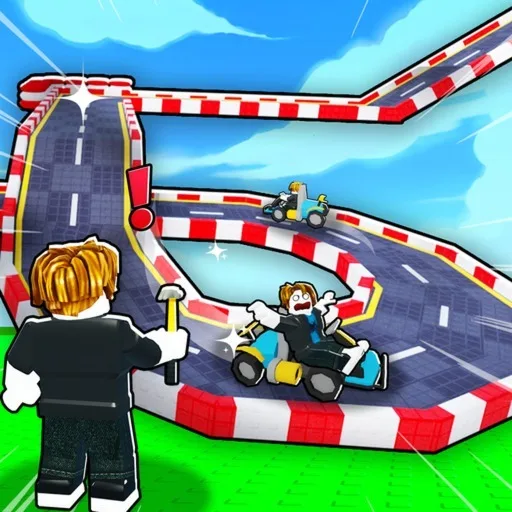
Build a Racetrack by Fun² Games is a Roblox tycoon. The official experience description prints a new-player redeem string. Rewards are in-game items or cash, not Robux.
Last checked: November 20, 2026 (Pacific Time). The code below is copied from the official Roblox experience description on that date, which says “New Code: RELEASE”. This list includes only that officially named code. The official line does not print a reward amount. Redeem in-game to confirm; codes can be removed from the description without a separate announcement.
Active Build a Racetrack codes
| Code | Reward (official wording) |
|---|---|
RELEASE | Named as a new code on the official experience description; the official line does not state a reward. Public redeem writeups often report 5,000 cash — confirm the credit in-game. |
Copy the code exactly, in capitals, with no extra spaces. Public guides treat the box as case-sensitive, so do not enter Release unless the official page changes the spelling.
Third-party code lists often add other like-milestone or holiday strings that do not appear on the official experience page. We are not copying those here. Make sure you are in the official Fun² Games experience, because similarly named racetrack games use different codes. If Fun² Games later prints another code on the official page or another official channel, that official text is the list to trust.
How to redeem Build a Racetrack codes
- Launch Build a Racetrack on Roblox and wait until you are in the lot, not a loading screen.
- Open the Codes button on the left side of the screen (public redeem writeups place it there; the official listing does not name the menu).
- Enter
RELEASEin the code box. - Press the blue Enter or Redeem button public guides describe, then check your cash.
- Spend the payout on a short closed loop you can actually finish, not on a pile of unused jumps.
If Redeem fails, match the capitalization, delete trailing spaces, and confirm you joined the official Fun² Games place. Codes like this typically work once per account. Never enter your Roblox password on a third-party “code helper” site. Codes never grant Robux.
Where new codes appear
- The official Roblox experience description is the list to trust. The current “New Code: RELEASE” line is printed there.
- Re-read that description after an update, and treat only strings the developer publishes as active codes.
- After you claim the official code, build a short closed loop and leave it running for offline earnings. For that first-session plan, see our Build a Racetrack beginner guide.