Ragdoll Soccer Beginner Guide (2026)
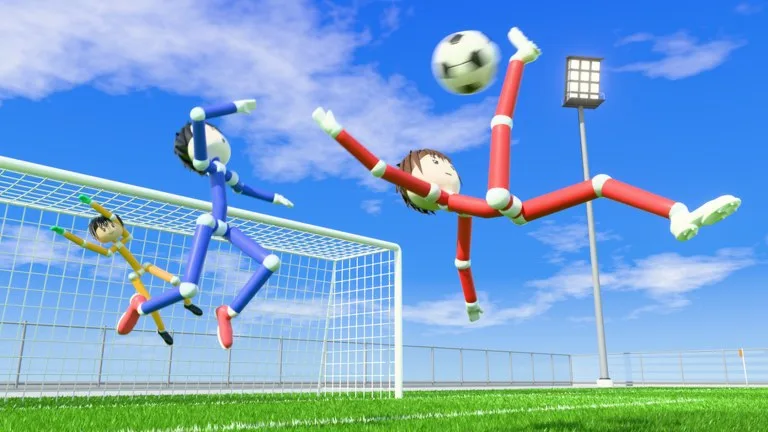
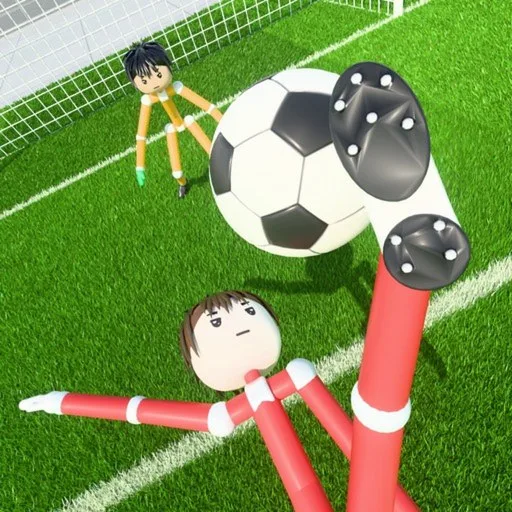
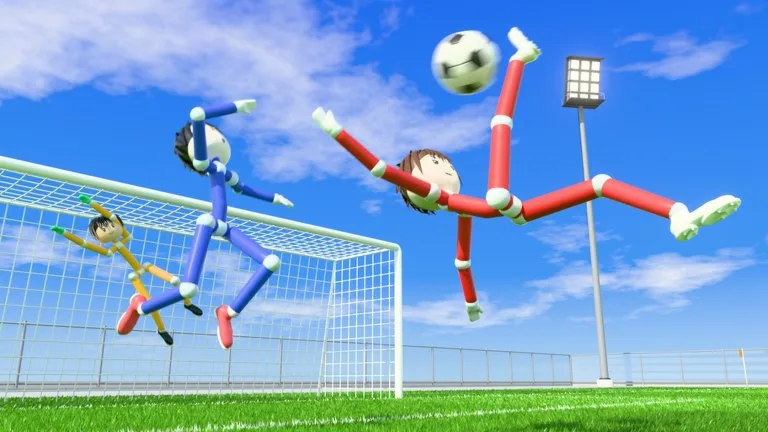
Ragdoll Soccer by Ragdoll Athletics is a Roblox soccer game with a physics engine and floppy, jointed players. The official listing highlights 4v4 Quick Play, 8v8 Pro Servers with referees, penalties, free kicks, throw-ins, VAR, and offsides, plus Clubs mode to queue 4v4 with friends and a Practice mode. The developers also note that the game is in its early stages. This beginner guide covers modes, the on-screen controls, and shooting — not a complete club or cosmetics list.
Guide researched November 15, 2026 (Pacific Time) from the official Roblox experience description and public writeups of the in-match HUD, kick meter, and restart flow. Controls and mode rules can change while the game is in early development; use the control list printed on your screen if it differs.
Which mode to play first
- Practice is the official place to learn movement, shooting, power, curve, and lobs without a full match on the line. Start here for a few minutes.
- 4v4 Quick Play is the standard public match once you can kick and sprint without constantly falling over.
- Clubs lets you queue 4v4 with friends (public writeups cap a club at around 10 players). Use it when you already have a group.
- 8v8 Pro Servers add referees and set pieces. Save these until 4v4 feels comfortable — the official feature list is larger, and the pitch is more crowded.
Controls and the kick meter
Public guides taken from the in-match HUD describe this PC layout (your on-screen list is the authority if a patch remaps a key):
- WASD to move, Shift to sprint, and Ctrl to toggle shift lock so shots follow the camera.
- Left mouse (or 1) for a standard kick; 2 to switch to a lob.
- Q and E to curve a shot (Q can also poke the ball when you are close to it).
- R to cancel a charged kick, X to slide tackle, and G to call for the ball.
- Space to vote to skip a goal replay.
Shooting is charged, not instant. Public HUD writeups show a POWER and HEIGHT meter plus an aiming ring on the turf. Pick Kick or Lob first, get in range, hold the kick to fill the meter, add curve if you need the far corner, and release — or press R if a defender closes you down. Close, lower-power finishes in the box are often more reliable than a fully charged drive from distance, because the ragdoll keeper can dive and hold the ball.
After every restart, look for the green SCORE HERE arrow that marks the goal your team is attacking. That matters even more if you joined a match already in progress.
Passing, tackling, and restarts
Press G when you are open; public writeups show a green “PASS!” callout so teammates can find you without voice chat. A soft pass is enough — full power on a short ball often overshoots. Slide with X when you are level with or slightly ahead of the ball carrier; sliding from behind usually leaves you on the grass. After a goal, a replay plays, the scorer can celebrate, and both teams wait for kickoff. Press Space if you want to vote the replay skip.
Matches use an in-game clock that runs to 90 minutes plus stoppage time. You can be dropped into a mid-game server, so the score may not start at 0–0. Full time brings a stats and ratings screen, and public writeups mention a free Coins reward there as well.
For the official WELCOME code and how to redeem Coins in the Shop, see our Ragdoll Soccer codes page.
A simple first-session plan
- Redeem
WELCOMEin the Shop, then spend a short session in Practice on charging kicks, lobs, and curve. - Queue 4v4 Quick Play. Sprint with Shift, call for the ball with G, and check SCORE HERE after every restart.
- Leave 8v8 Pro Servers and Clubs for after you can shoot under pressure without sliding yourself out of every duel.
The official page asks for patience while the experience is still being improved. Expect physics quirks, and use Practice when a new patch changes how the ball comes off your foot.