Volleyball Legends Beginner Guide (2026)
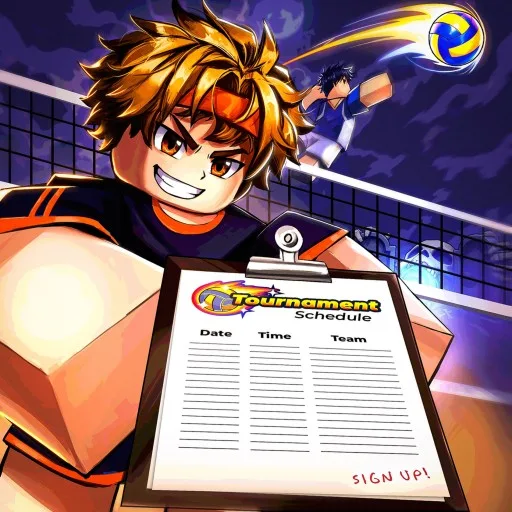
Volleyball Legends is a fast 6v6 Roblox volleyball game built on timing, positioning, and teamwork. This beginner guide covers controls, a repeatable serve, Practice Mode, and the first habits that stop free points.
Guide researched October 27, 2026 (Pacific Time).
What to learn first
- Grounded bump and set
- A simple, repeatable serve
- Airborne spike and block
- One Practice Mode session before Ranked
Core controls (PC)
| Action | Input | When |
|---|---|---|
| Bump | Left click | Grounded |
| Spike | Left click | Airborne |
| Set | Q | Grounded |
| Block | Q | Airborne |
| Jump | Space | Grounded |
| Dive | Ctrl | Receiving recovery |
| Menu | M | Any time |
On console, RT covers bump / spike and LT covers set / block. X dives. The same button often changes meaning when you leave the ground — that is intentional.
How to serve
- When it is your turn, click once (or RT) to start the serve.
- Click again to choose power.
- Jump and spike the tossed ball, or let it fall for a safer bump serve.
Keep serve type and direction the same until you can repeat the result. Only then add jump serves and directional tilt.
Receive, set, spike
- Receive: Move to the ball and use a grounded bump when you can reach it. Dive (Ctrl / X) is a recovery tool, not your default answer.
- Set: Press Q / LT while grounded. Give your attacker space — do not chase every contact as a group.
- Spike: Jump, then left click / RT near the top of your jump. Direction comes from facing and movement-key tilt, not only the camera. Fix “Too low!” with jump timing before you add fancy tilt.
- Block: Airborne Q / LT. Position and timing matter more than mashing.
Remember the team touch limit: receive, set, attack — avoid a fourth contact.
Enter Practice Mode
- Select the green Play button near the bottom of the screen.
- Scroll to Bonus Modes.
- Choose Practice Mode and wait for it to load.
- On PC, press G to spawn a volleyball at your character.
Beginner practice routine
- Alternate grounded bump and set until the inputs are automatic.
- Hit the same serve ten times before changing power or type.
- Practice airborne contact without tilt, then add W/S, then A/D.
- Take one focus into your next match: receiving, setting, or blocking.
Styles, abilities, and codes
After Update 90 you can buy extra Style and Ability slots with Gems (third slot 20 Gems, fourth 100 Gems). Check which slot is selected before you spin. Codes (often Level 15+) live under Shop → Codes — redeem update codes for Lucky Style / Ability Spins when they drop.
Play officially: Volleyball Legends on Roblox.