Realistic Ragdoll MMA Beginner Guide (2026)
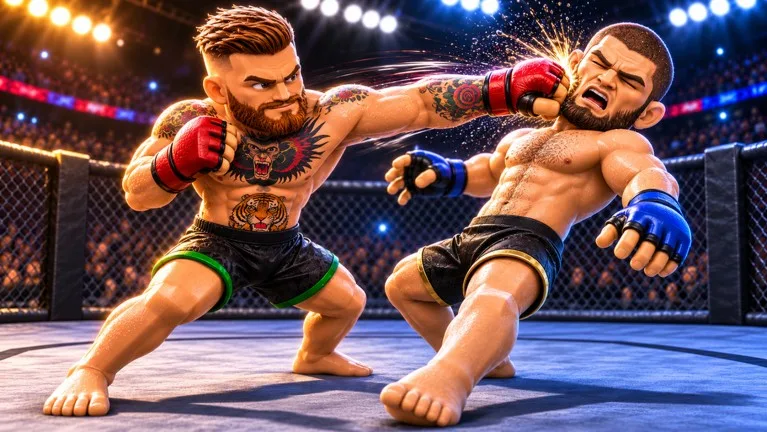
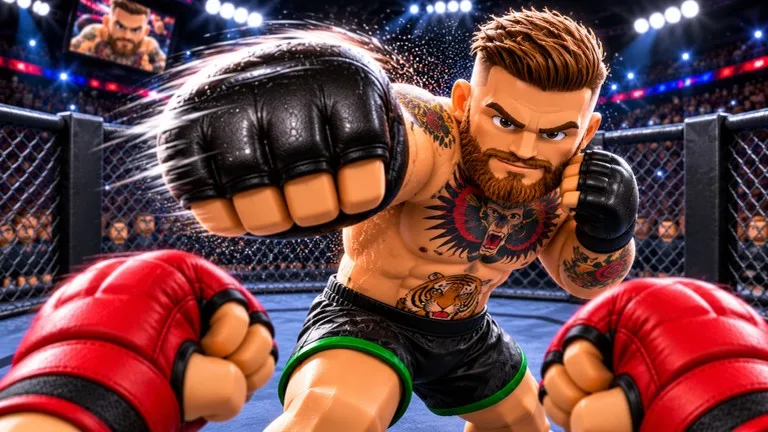
Realistic Ragdoll MMA by Ultimate Champion is a Roblox physics-based cage fighter. The official listing says you throw punches, land kicks, toss your opponent, and launch flying knees, with ragdoll reactions on every hit. It supports PC, controller, and mobile. This beginner guide covers the in-game keyboard map and a simple first-session plan — not a style tier list. It is a different experience from similarly named “Ragdoll MMA” games.
Guide researched November 19, 2026 (Pacific Time) from the official Roblox experience page and public writeups of the in-game Controls (Keyboard & Mouse) panel. Bindings, Career unlocks, and Style menus can change, so confirm the current labels in-game.
Learn the standing controls first
Public writeups of the official control panel list WASD to move and the mouse to aim. The two straight punches are separate inputs: left click is a jab, and right click is a cross. Q and E are the left and right hooks. R and T are the lead and rear kicks; the same panel also lists R aimed at the knee as an oblique kick, which is a context-specific use of R, not an extra key.
Defense is on a held key, not a toggle: hold Left Shift to block or check kicks. Public guides list F plus A or D as slip or duck. Space is a flying knee while you are standing, but it means something else in a grappling exchange — read the prompt before you mash it.
For a takedown, the panel’s sequence is G, then repeated Space to drive the opponent down. On the ground, repeated Space is used for sprawl, get-up, hold-down, or submission depending on the situation, and keys 1–4 choose the ground options the game is currently showing. If you end up underneath, public session notes describe prompts such as get-up, reversal, and holding Shift to cover up — follow the on-screen labels rather than memorizing one submission for each number.
A simple first-session plan
- Confirm you launched the Ultimate Champion experience, then open the in-game Controls panel and locate movement, jab, cross, and the Shift block before you start a fight.
- In a first bout, throw a jab by itself, then a cross, then step back. Add one kick (R or T) and a held block. Avoid swinging nonstop — public beginner writeups say a short burst and a reset beat a long, unprotected combo.
- Once the straight punches feel consistent, try a flying knee on Space, or a takedown with G then repeated Space. If the fight hits the mat, read the position label and the 1–4 choices before you press anything.
- If you want a longer loop, public guides describe Career as available on Normal from the start, with Hard unlocking after 30 wins, and Styles rolled with spins earned from wins. Treat those menus as optional after you can jab, cross, and block on command.
Realistic Ragdoll MMA is a timing game, not a button-mashing brawler. If your fighter keeps eating counters, hold a block, throw fewer strikes, and check the control panel again after an update — the official page does not print redeem codes, so ignore random third-party strings.