Grow a Garden Beginner Guide — Seeds, Sheckles, and Early Upgrades
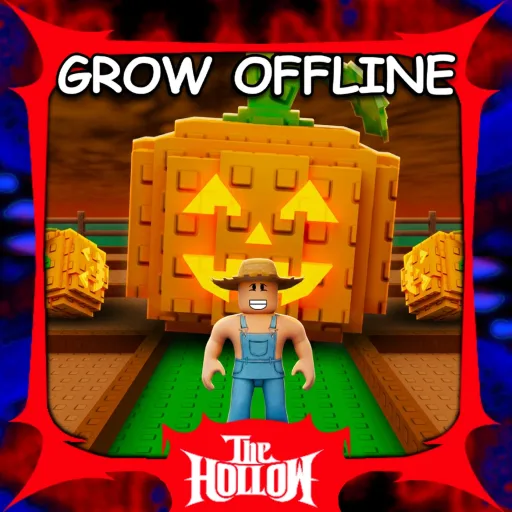
Grow a Garden is a Roblox farming sim where you buy seeds, plant plots, harvest crops, and sell for Sheckles. Crops keep growing while you are offline, so good habits matter more than constant clicking.
Play officially: Grow a Garden.
Your first loop
- Buy cheap starter seeds (carrots are the classic opener).
- Equip a seed and click brown plots on your farm to plant.
- Wait for growth, harvest, then sell at the sell NPC/shop.
- Reinvest Sheckles into more seeds — fill every empty plot before buying expensive stock.
Early crop strategy
- Move from one-and-done crops into multi-harvest plants like strawberries or blueberries once you can afford them — they regrow after harvest and stabilize income.
- Do not dump all Sheckles into a rare seed you cannot recover from if it fails to mutate.
- Plant a full farm before logging off so offline growth works for you.
Seed shop restocks
The seed shop rotates stock on a short timer (often around every five minutes). Check back regularly instead of refreshing endlessly in one visit. Favorite or lock valuable mutated crops before using any “sell all” option so you do not wipe a rare plant.
Upgrades that matter first
- Sprinklers / gear: speed growth, improve size, and raise mutation odds.
- More plots / farm expansion: raw capacity beats fancy seeds early.
- Weather events: time harvests around weather that adds valuable mutations before selling.
Pets, friends, and mutations
- Once income is steady, pets can automate or buff parts of the farm loop.
- Playing with friends can add Sheckle bonuses on some servers — invite a co-op partner when you can.
- Learn which mutations are worth keeping versus mass-selling commons.
Common beginner mistakes
- Leaving plots empty overnight.
- Selling a mutated crop by accident with Sell All.
- Ignoring restock timers and standing AFK in an empty shop.
- Spending event currency on cosmetics before production upgrades.
For freebies, check our Grow a Garden codes list separately if you need redeemable promos. Stick to the official Roblox experience linked above.