Crash Engine Roblox: Soft-Body Cars You Can Bend and Break
What Is Crash Engine?
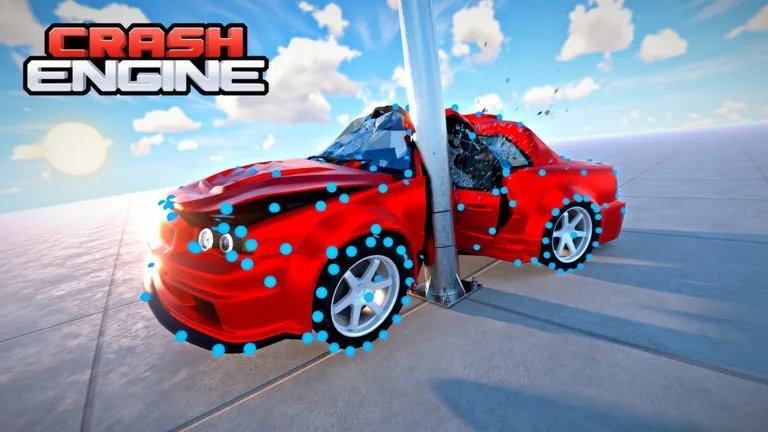
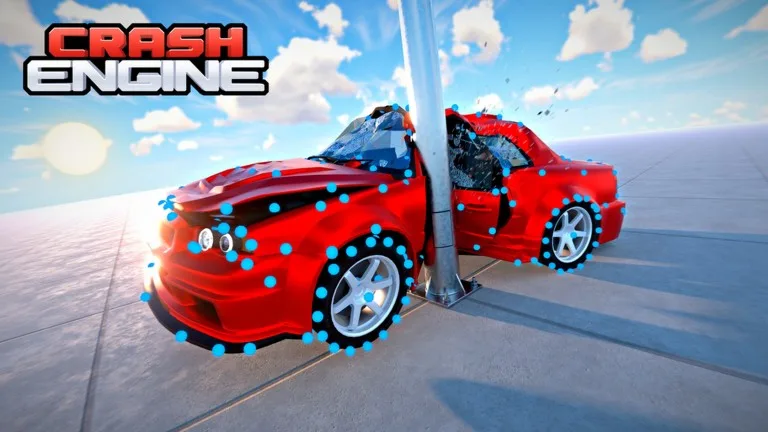
Crash Engine is a Roblox physics sandbox from the group Softbody Games. The official listing is about cars that do not bounce away like rigid toys: they use real soft-body physics, so a hit can bend, break, and pull a vehicle apart right at the point of impact.
The page promises that the details around that impact are meant to feel consistent. Each car has its own engine sound, weight, and handling. Driving is described with suspension, grip, skids, and tire marks. Crashes are described with bending metal, breaking glass, parts tearing off, and sound to match.
Play here: Crash Engine on Roblox.
How to Play
Crash Engine is set up as a sandbox, not as a single campaign with a finish line. The official loop is to drive, collide, and then inspect what the soft-body system did to the car.
- Drive with the listed physics. The page calls out suspension, grip, skids, and tire marks, and it says every car has its own weight, handling, and engine sound.
- Crash on purpose. Hit something and watch the body deform where it connected. Metal, glass, and detached parts are all named in the official crash description.
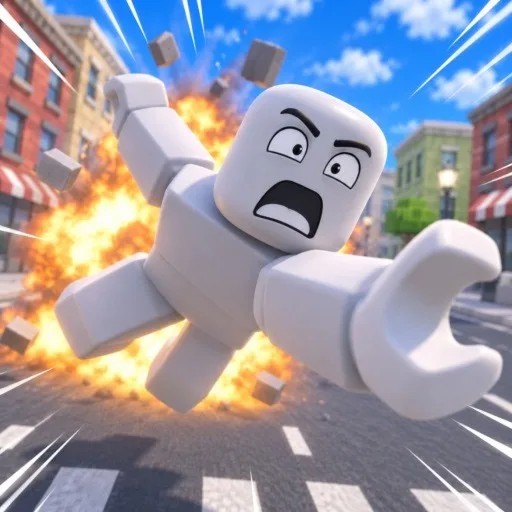
- Grab and throw cars. The listing includes picking vehicles up and tossing them, which is a different way to start a wreck than a normal drive-in.
- Place obstacles. You can set up the scene before the next impact instead of only using whatever is already in the world.
- Rewind every crash. If a hit was messy or you want another look, rewind is an official tool, not an unnamed debug trick.
- Play with friends in private servers. The page lists private servers as the way to share the sandbox.
The official tags — softbody, flexbody, destruction, physics, and beam — stay in that same lane. The listing does not publish a car roster, a map list, or a scoring mode, so those details belong on the live Roblox page and in the experience itself.
Platforms
Crash Engine runs on Roblox. Open it through the official Roblox experience page on the device you already use for Roblox. Because the feature is soft-body deformation and crash rewind, a stable session matters more than a long checklist of modes.
Beginner Tips
- Start with one clean crash on a simple surface so you can see how the body bends at the point of impact before you stack obstacles.
- Try more than one car. The official page says each vehicle has its own engine sound, weight, and handling, so the same hit will not always look or sound the same.
- Pay attention to skids and tire marks as well as the wreck itself. Those are listed as part of the driving model, not as decoration.
- Use grab-and-throw when you want a different kind of impact than a normal drive-in collision.
- Place obstacles to set up the next scene. The listing treats that as a core sandbox tool.
- Rewind a crash you want to study or repeat. That feature is official, and it is the cleanest way to compare two hits.
- If you are playing with friends, use a private server. That is the official co-op path on the page.
If you want a Roblox sandbox about cars that crumple, shed parts, and can be rewound for another look, Crash Engine is built around that kind of physics experiment.